Creative quality
Fresh Pinterest creative is not the same template with new text
What should actually change from pin to pin—and what should stay recognizably yours.
August 18, 2026 · 6 min read
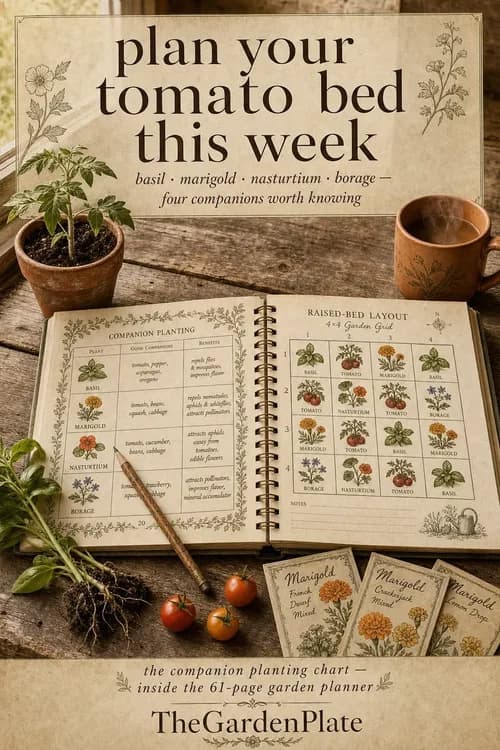
A template is a layout. A concept is a reason to care.
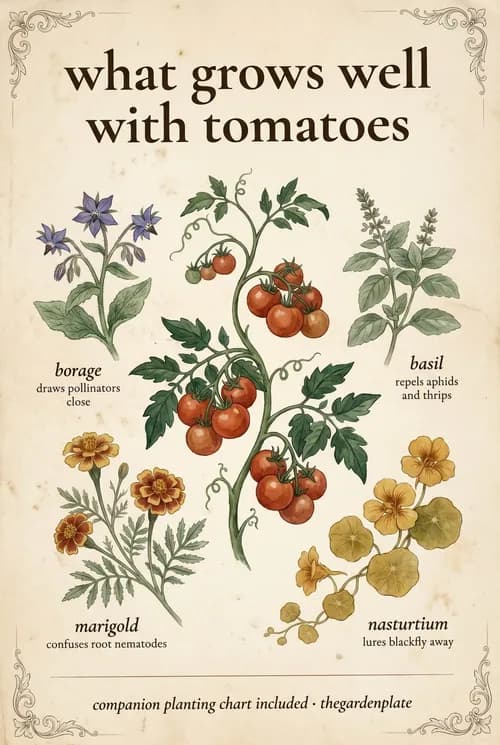
Changing a headline inside the same frame can create production volume, but it does not automatically create a new idea. If the scene, hierarchy, focal point, and promise stay fixed, the viewer experiences the output as repetition.
Change the concept before changing the decoration
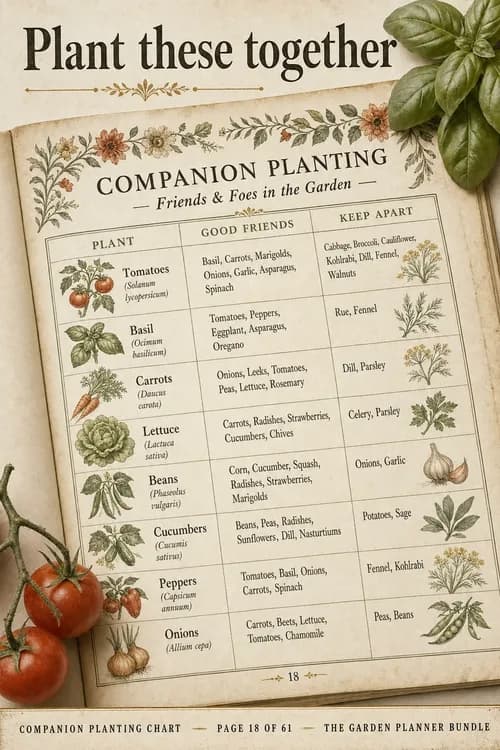
Decide what this pin is trying to communicate before choosing a layout. A useful concept might demonstrate the printable in use, answer a narrow question, expose one page of the product, or frame it around an upcoming planning moment.
- Change the search intent or audience moment.
- Change the visual evidence supporting the hook.
- Change the composition and dominant focal point.
- Keep the destination promise accurate.
Keep a stable brand grammar
Freshness should not make your shop unrecognizable. Repeat the underlying rules: color temperature, type personality, illustration style, photography treatment, and voice. Those rules create coherence across genuinely different compositions.
Use approval as part of the system
Automation should remove repetitive assembly, not judgment. Review whether the pin looks like your shop, whether the hook is supported by the listing, and whether the destination is correct. Approval is not a speed bump; it is the quality gate.
Let performance narrow the system
After publishing, look for concepts that earn saves or clicks—not just designs you personally prefer. Reuse the strategic pattern while creating a new execution. That is how a content system learns without collapsing back into template spam.